[](https://ibb.co/VYtdRFMp)
[](https://ibb.co/RpX99q00)

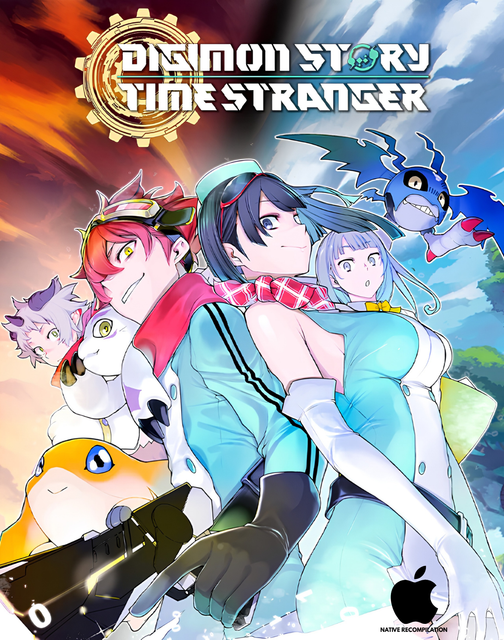
`MankoMonke` — a subsidiary of VeloEncodes — presents the **Steam Achievement Sync & Playtime Patch** for our native Apple Silicon recompilation of **Digimon Story Time Stranger**.
**This is a patch, not the full game.** It requires the existing **MankoMonke v1.2.2 macOS release**.
**Features:**
- Imports existing Steam unlocks into the in-app achievement browser, covering all **46 Steam achievements**
- Adds automatic local achievement detection through the game's original trophy-award routine
- Optional write-back of achievements earned in the Mac build
- Queues locally earned achievements for synchronization after reconnecting
- Live Steam playtime tracking
- Connects through your signed-in macOS Steam client and checks game ownership
- Keeps synchronization state separate for each authenticated Steam account
- Separate controls for achievement write-back and playtime tracking
- Automatically ends the Steam tracking session when the game closes
- Preserves saves, DLC, shaders, graphics settings, and existing game content
**Installation:**
1. Quit the game.
2. Open the patch PKG and follow the installer.
3. Launch the game with the macOS Steam client running.
4. Connect Steam and enable achievement write-back and/or playtime tracking.
**PATCH TROUBLESHOOTING:**
If the patch GUI shows errors, completely remove *Digimon Story Time Stranger* (after backing up your saves from the `nxnative` directory under your user's `Application Support` folder), and run:
```
sudo /usr/sbin/installer \
-pkg "/path/to/Digimon.Story.Time.Stranger.macOS.Apple.Silicon.ARM64.v1.2.2.Steam.Sync.Playtime.Patch-MankoMonke.pkg" \
-target / \
-verboseR
```
Enter your macOS user password when prompted. That's it!
Steam must remain running and connected for synchronization and live playtime tracking. Local achievement tracking works offline, but previously played offline hours cannot be uploaded retroactively.
**Testing notes:**
Steam achievement import and live playtime credit have been verified. Automatic achievement detection has passed backend tests; a newly earned gameplay achievement has not yet been verified through the complete unlock-to-Steam flow.
**Requirements:**
- An Apple Silicon Mac
- The matching MankoMonke v1.2.2 macOS release
- The macOS Steam client, signed into an account that owns the game
**MEGA direct download:**
[Download the patch from MEGA](https://mega.nz/file/dt0h1aKD#SFXKz4zvSeQ5h4iccFki32XFOAag4Kov3NQxeRCVBtw)
**P.S.:** VeloEncodes has officially moved from Telegram to Discord. Join our shiny new Discord server [here](https://discord.gg/FeGhVA2CAy). Also, if you want to join the MankoMonke WhatsApp channel, you can do so [here](https://whatsapp.com/channel/0029Vb9vrGi11ulLEbSJua3V).
*Enjoy, and don't forget to seed!*
If you have Time Stranger on an external SSD, temporarily move it to your internal Applications folder. I forgot to take this into account while building the patch 💀
**EDIT:** Seems like a permissions issue, even on internal. After moving to your internal SSD, run the patch using:
```
sudo /usr/sbin/installer \
-pkg "/path/to/Digimon.Story.Time.Stranger.macOS.Apple.Silicon.ARM64.v1.2.2.Steam.Sync.Playtime.Patch-MankoMonke.pkg" \
-target / \
-verboseR
```
instead.
Comments - 1
thecharioteermode (uploader)